 Cleanup
Mac out of space again?
Free up space on your Mac and keep what matters.
Your disk fills up with caches, logs and old files, and you cannot tell what is safe to delete. Cleanup finds them, shows what each one is, and removes only what you confirm.
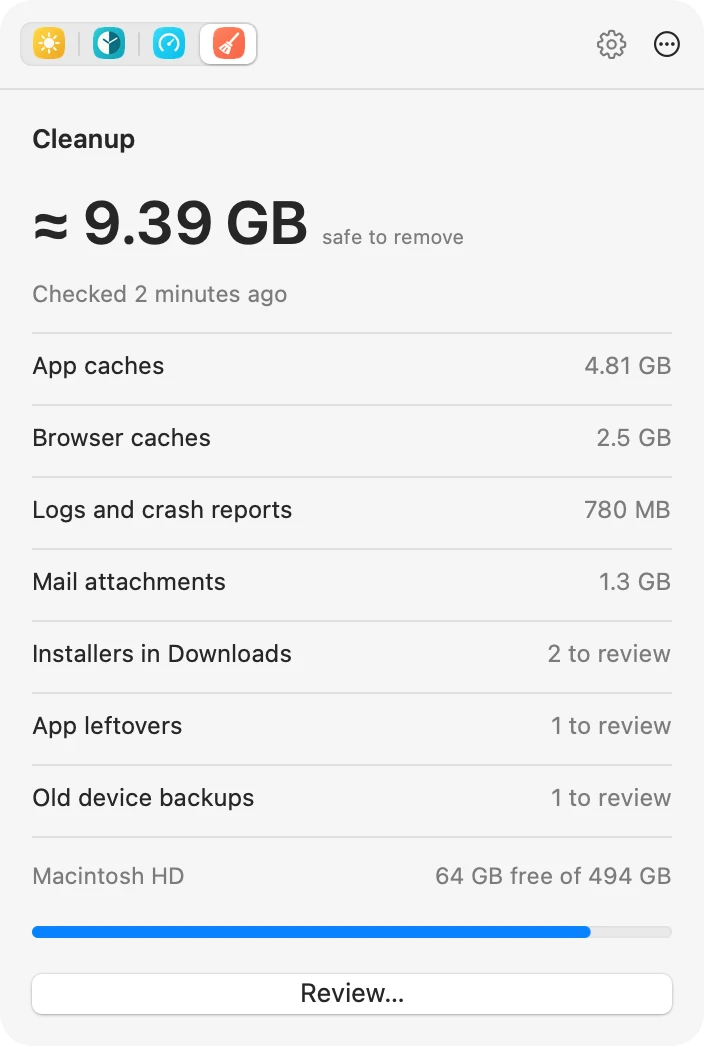
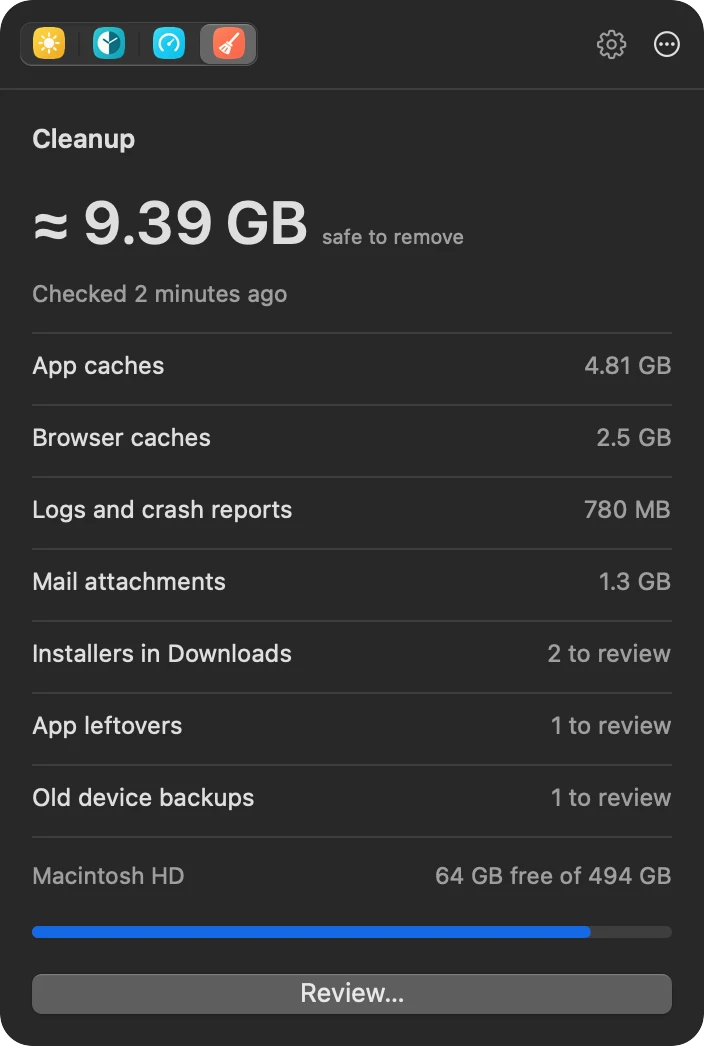
What you get with Cleanup.
- Safe by defaultCaches and logs that apps rebuild start selected. Your files and open apps stay unselected.
- Review, then confirmScanning removes nothing. Review and confirm each cleanup.
- Uninstall apps cleanlyRemove an app together with the files that go with it.
- Find the big leftoversProOld installers, device backups, large downloads, app leftovers and developer files.
Free to start. Pro when you want more.
Try every Pro tool free for 14 days, with no card and no account.
Free
- App and browser caches
- Logs, crash reports and mail attachment copies
- Package caches
- Uninstall an app with its files
Lineup Pro from $10 a month billed yearly
- Installers, large files and old backups
- Leftovers of removed apps and apps you no longer open
- Developer files and old worktrees
- Every other Pro tool
- Download freemacOS 13 or later, on Apple silicon and Intel. No account.
- Turn on the tools you needTurn on Cleanup in Settings.
- WorkYour Mac now works the way you do.
 Activity
 Speed Test
 Keep Awake