
Studio Display
Twelve tools. One native Mac app.
Snap windows into zones you draw, turn Caps Lock into a Hyperkey, dim any display and copy text from anything on screen. New tools come from what members ask for.



Display Control
No Electron, no web views, no background services. Zones starts on, the rest wait until you turn them on, and a tool that is off uses nothing.
Measured on Lineup 2.3.0 in a macOS 27 virtual machine on Apple silicon, median of 5 runs, 23 October 2026. Not measured on a physical Mac.
Zones starts on and the rest wait in Settings. They share one menu-bar icon, one update and one place to change them.
 Zones
Zones
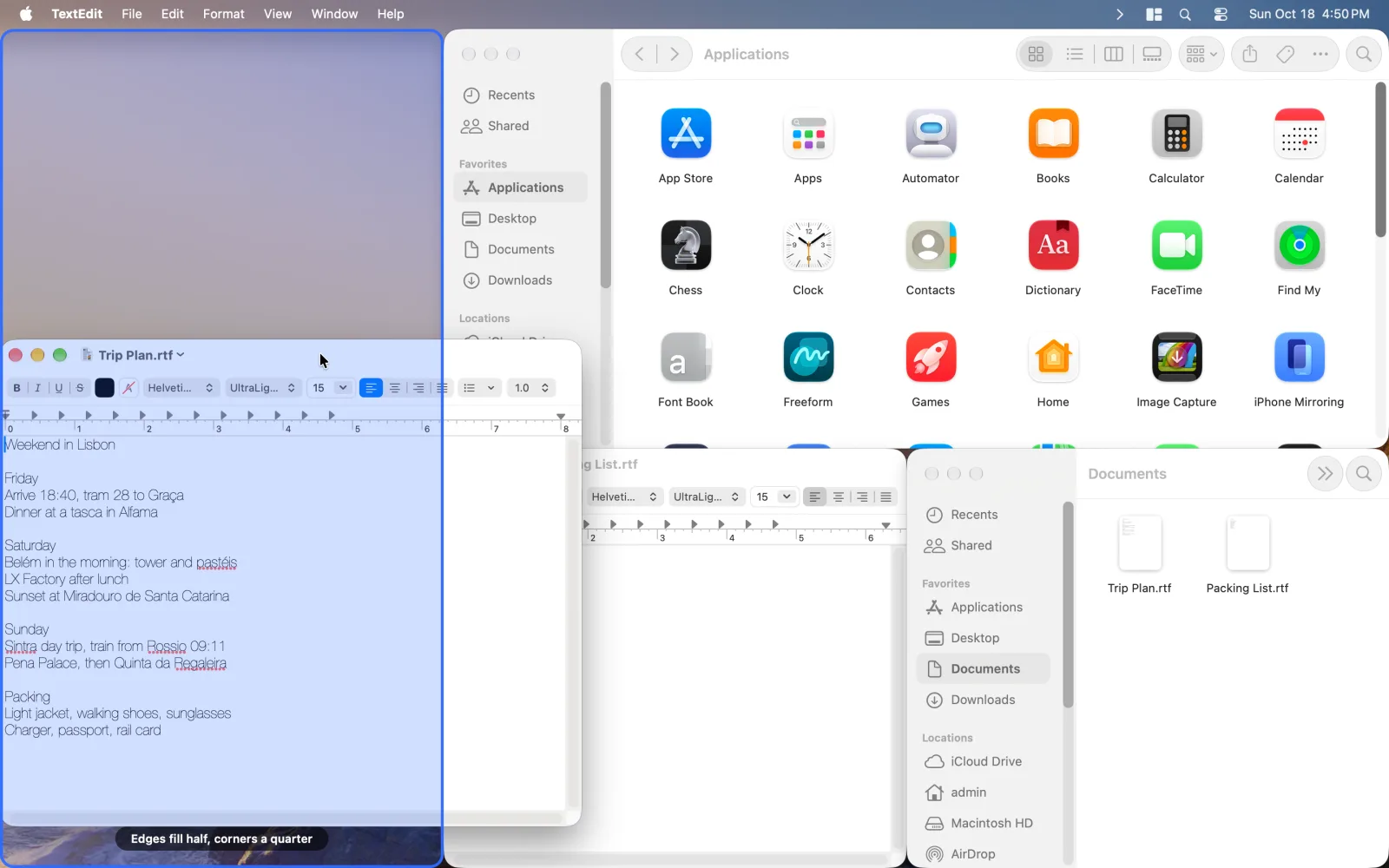
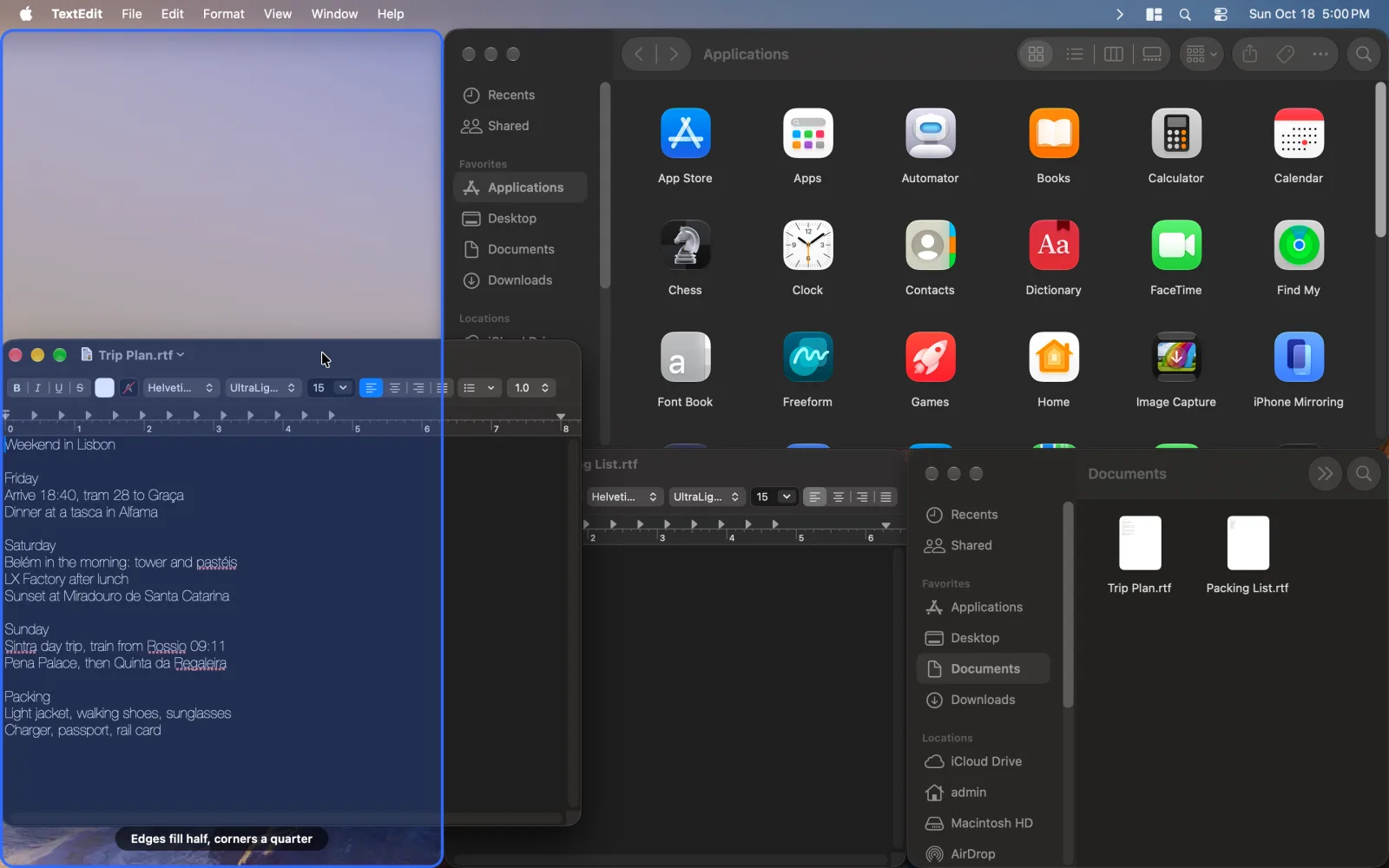
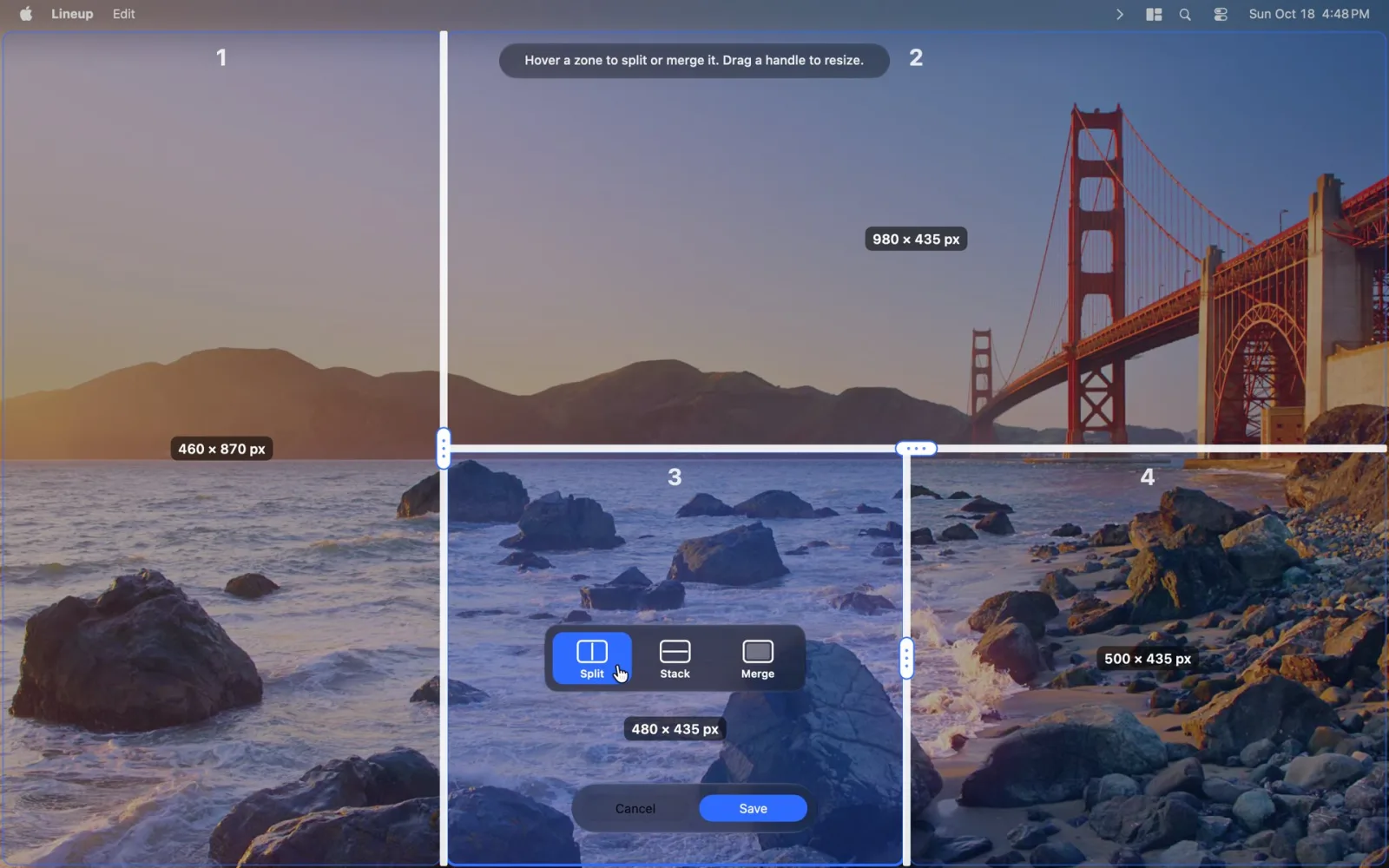
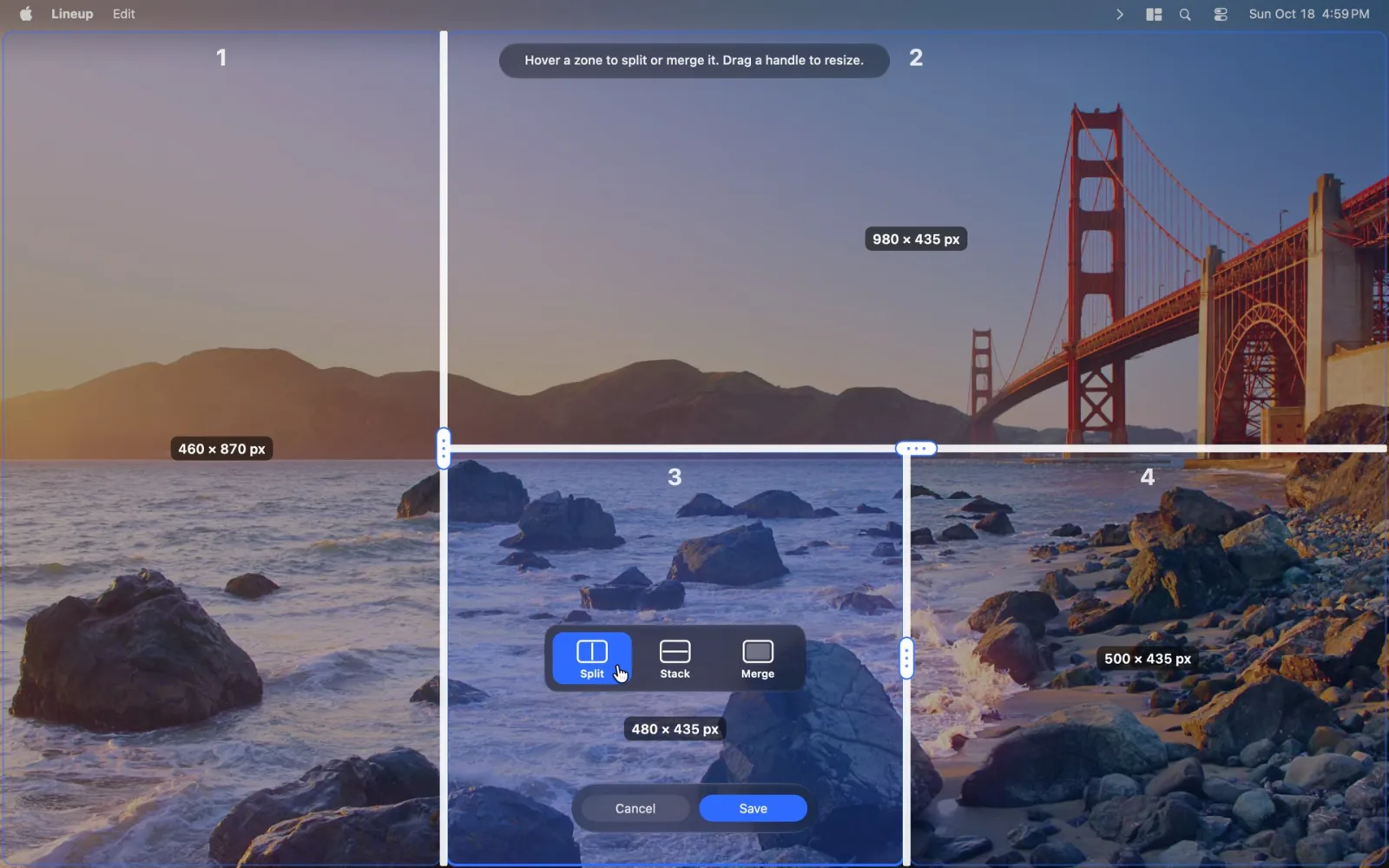
Split each display into the layout you want, then drag a window into a zone or send it there with a shortcut.
Halves, thirds and drag to snap are free. Custom layouts are part of Pro.
 Free
Free
 Free
FreeThey run quietly in the background once you turn them on.
 Keyboard RemapSwap any key for another, on one keyboard or all.World ClockThe time in the places you care about.
 Menu BarHide the menu-bar icons you rarely use.
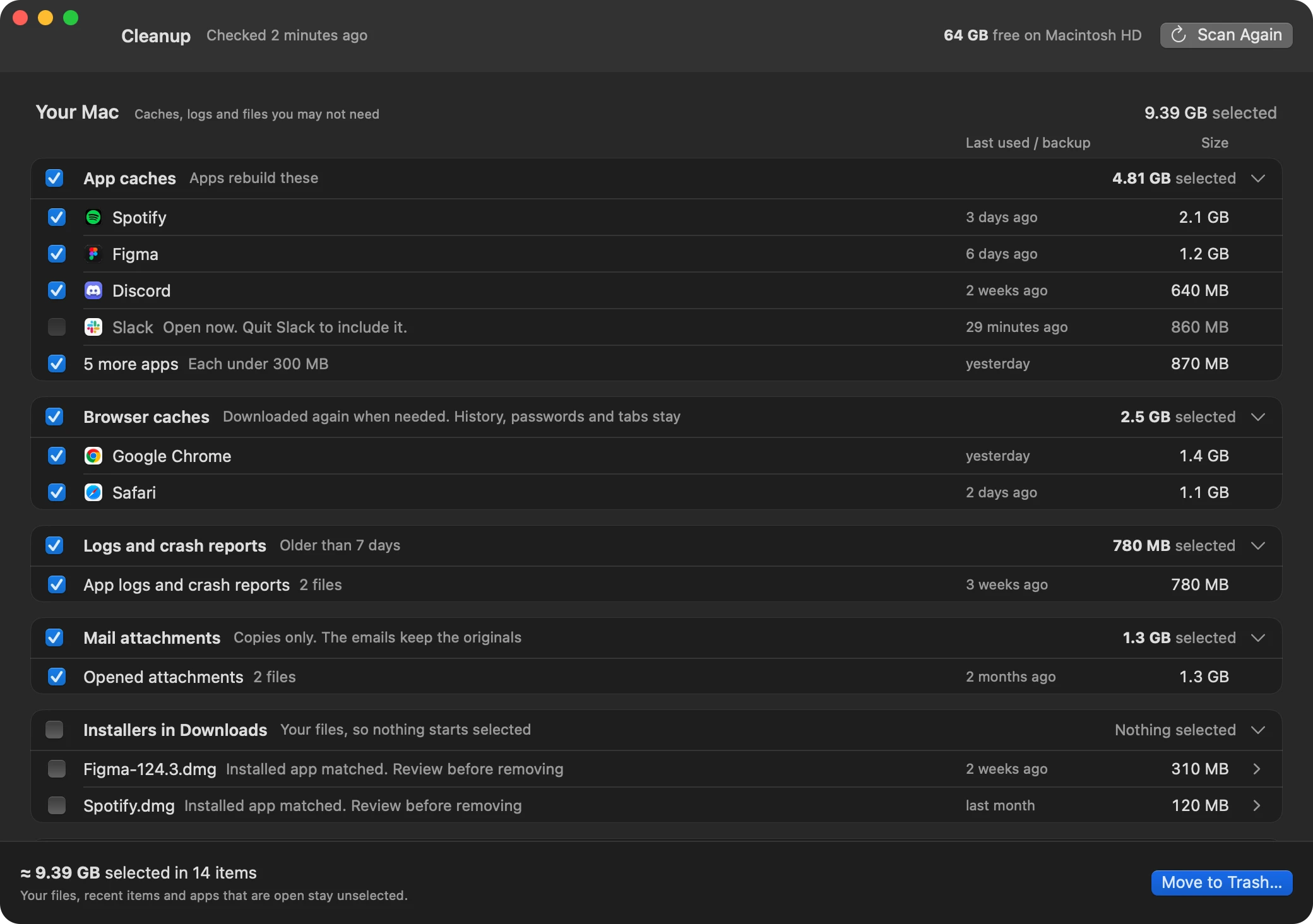
 Cleanup
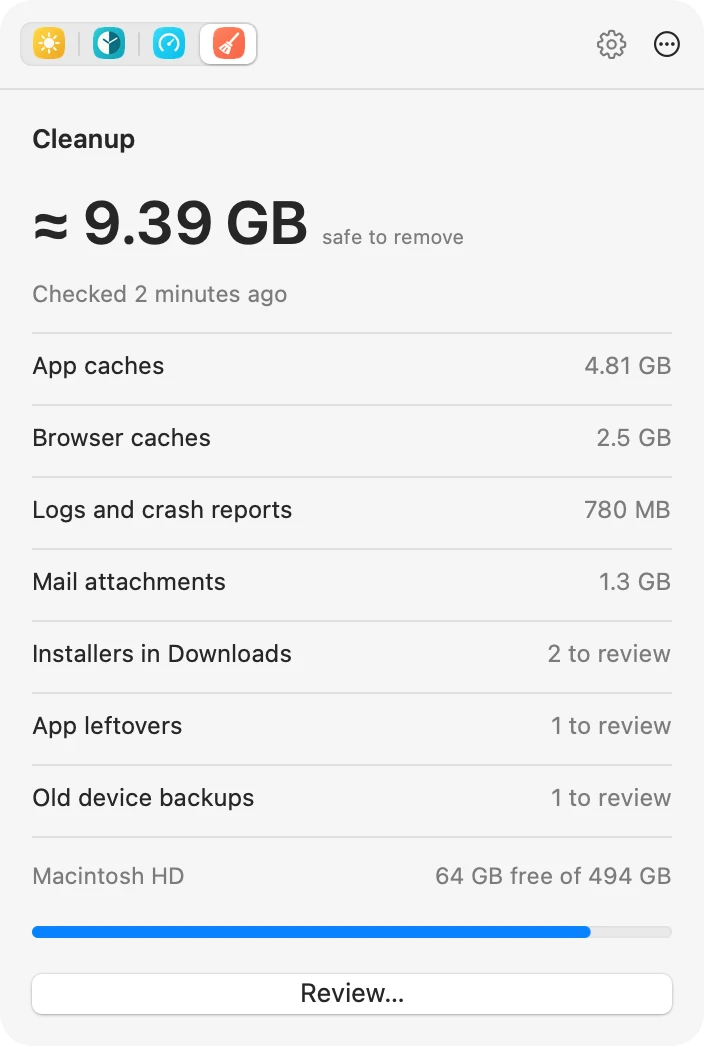
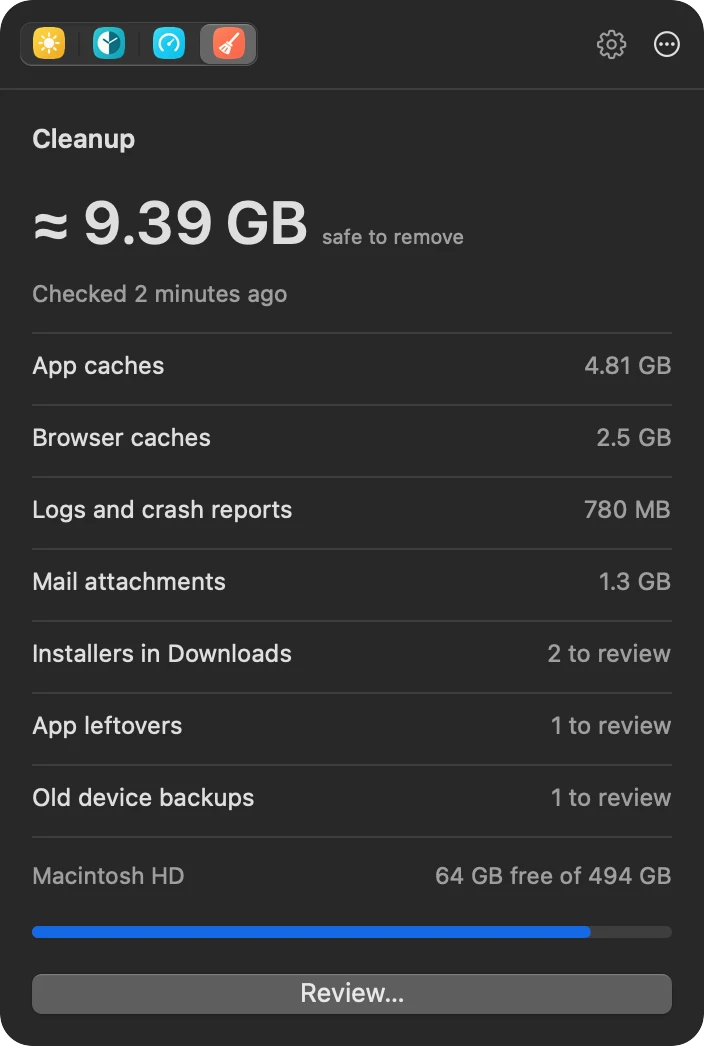
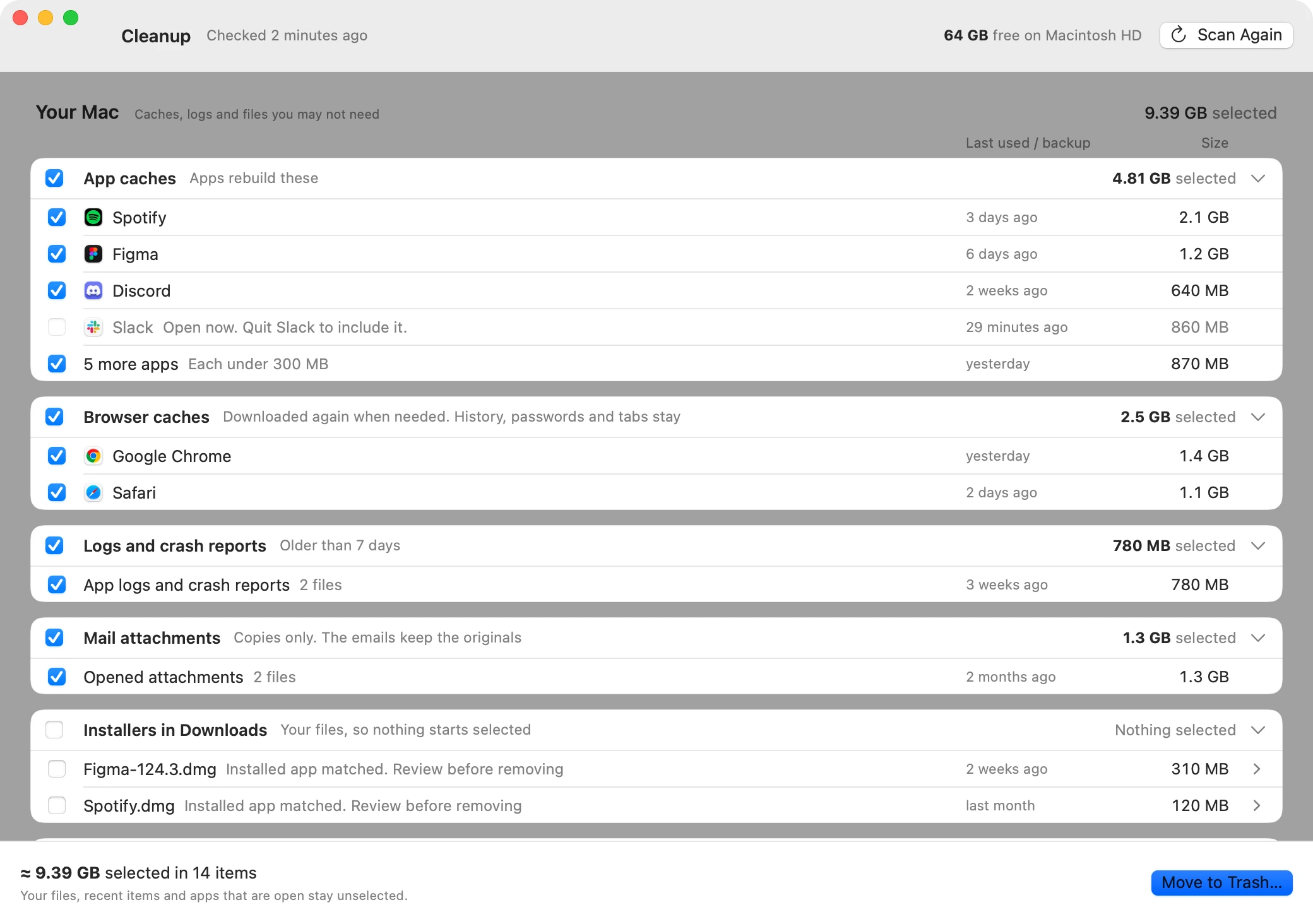
Cleanup finds caches, logs and leftovers you may not need, says what happens if you remove them, and leaves your files and open apps alone. Files go to the Trash, with Undo, and Lineup asks first before anything it cannot undo.
Checking everything and clearing caches, logs and Mail attachments is free. Installers, app leftovers, old backups, Xcode and agent worktrees are part of Pro.
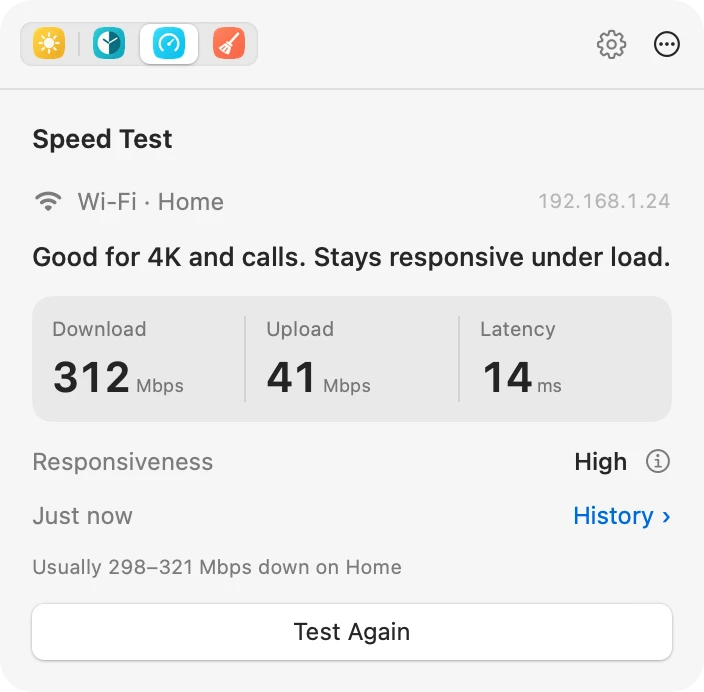
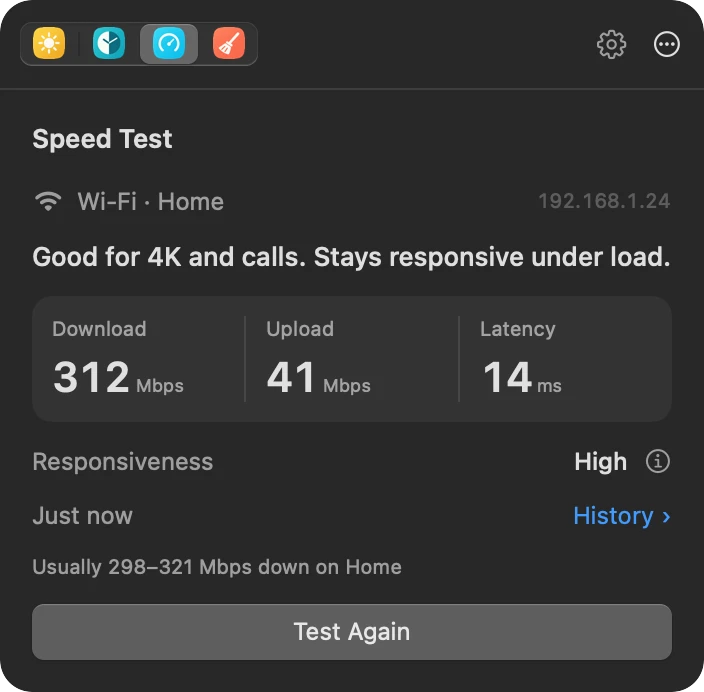
 Speed TestFree
Test on demand from the menu bar. Lineup says what the numbers mean and remembers what is usual for each network.
Scroll, Keyboard Remap and Display Control are in Lineup because members asked for them in 2026.
Scroll
Asked for: Different scroll directions for the trackpad and the mouse.
Keyboard Remap
Asked for: Remap keys without a kernel extension.
Display Control
Asked for: Brightness keys that work on external monitors.
Try every Pro tool free for 14 days, with no card and no account. On a yearly plan, you keep the version you have after a paid year.
Free
$0forever
World Clock, Keep Awake, Scroll and Speed Test, plus window snapping and basic Cleanup.
Lineup Pro
$10a month
Billed yearly at $120
Every tool, every update and every new tool. Try it free for 14 days.
FoundingFirst 500 members
$8a month
Billed yearly at $96
Lineup Pro yearly at the founding price, kept for as long as you stay subscribed.
For one person, on up to 3 Macs. Yearly plans have a 30-day refund. Checkout opens soon: join the founding list to get the founding price.
On a yearly plan, once you have paid for a year you keep the version you have, Pro tools included. You stop getting updates and new tools until you subscribe again. A monthly plan has no version to keep: Pro tools turn off when it ends, and the free tools keep working.
Turn on any Pro tool and every Pro tool is yours for 14 days. No card, no account. When the trial ends, Pro tools turn off and the free tools keep working.
Lineup Pro yearly for $8 a month, billed at $96 a year, for the first 500 members. You keep that price for as long as you stay subscribed.
A Pro licence is for one person, on up to 3 Macs.
Yes. Yearly plans can be refunded in full within 30 days.
No. If you first opened Lineup before Pro launched on October 23, 2026, every tool stays free for you, on every version.
The App Store sandbox blocks what Lineup does: moving other apps' windows, remapping keys and talking to displays. Lineup is signed and notarized by Apple, and updates itself.
No. There is no account, no tracking and no analytics. Lineup goes online only to check for updates and a Pro licence, and when you run a speed test, send a request, or check Git worktrees with GitHub.
macOS 13 or later, on Apple silicon and Intel.